Konnichiwa! That price is in Moko¥en — you earn them here, you do not buy them.
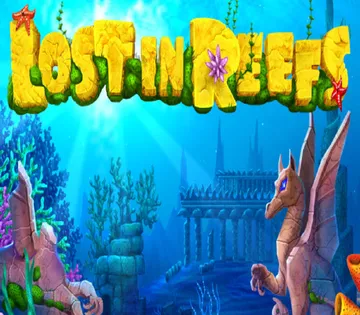
Lost in Reefs cover

Lost in Reefs

CasualPoint & click released Feb 2026 · 1 language
Picked for you Steam Windows Region Free Key Game
⁦654⁩ M¥
Two or three offers cover this — they credit to your account, so that comes first.

Can be activated in your country.

All editions of this game

⁦1⁩ listed

About

Lost in Reefs is a match-3 puzzle game set beneath the waves, where you build and explore a forgotten underwater city. The core loop involves clearing panels of ancient marbles by arranging rows of three or more matching tiles. You swap these pieces to progress, collecting resources along the way to unlock helpful tools that aid your construction efforts. The game features multiple modes, each offering different challenges for your tile-swapping skills. Power-ups are integrated into the gameplay to keep the panels exciting and ensure the city continues to grow as you play. It is designed as a single-player experience, allowing you to dive in at your own pace.

Description powered by AI

System requirements

Windows

  • Minimum: OS *: Windows ME / 7 / 8 / 10 / 11 Processor: 1.0 GHz Memory: 256 MB RAM Graphics: 512 MB DirectX: Version 9.0 Storage: 200 MB available space Sound Card: DirectX compatible Sound Device

Languages

English

Lost in Reefs

Lost in Reefs ⁦654⁩ M¥
Balance before ⁦0⁩ M¥
Balance now ⁦0⁩ M¥
  1. held your Moko¥en are held
  2. supplier we ask the supplier
  3. delivered the key is yours

Nothing here needs you. The order finishes either way, and the key lands in your rewards.

Enter your email address and we send you a login link. No password needed, and the same way in whether or not you have an account.

Step ⁦1⁩ of ⁦4⁩

1

Here you pay with Moko¥en

Not with money: every game here has a price in Moko¥en, our own currency, and that is what you pay with.

You need an account to collect Moko¥en. It only takes a moment.

0 purchases · keys stay retrievable

No account activity yet.

This account has been blocked. Contact support if you think this is a mistake.

Your provider didn't share an email address with us. Sign in with your email instead, or allow email access at the provider.

Something went wrong on our side. Please try again.