Konnichiwa! That price is in Moko¥en — you earn them here, you do not buy them.
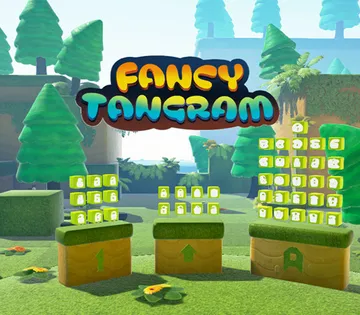
Fancy Trangram VR cover

Fancy Trangram VR

StrategySimulationCasualVR Games released Oct 2016 · 1 language
Picked for you Steam Windows Region Free Key Game
⁦43 859⁩ M¥
Two or three offers cover this — they credit to your account, so that comes first.

Can be activated in your country.

All editions of this game

⁦1⁩ listed

About

Fancy Tangram VR brings the classic Chinese intellectual game into a virtual space, challenging players to form shapes with seven distinct boards. The core mechanic involves arranging these pieces to create characters, animals, bridges, housing, and towers. Levels focus heavily on constructing numbers and letters, requiring precise placement within designated white spaces on the floor. To begin, players must locate the dog logo and stare at it to access the user interface. If a white space does not disappear after placing a board, the player should try again or move the piece to another location. This single-player puzzle demands patience and spatial awareness as you work through the various configurations.

Description powered by AI

System requirements

Windows

  • OS: Win7 Win8 Win10 Processor: Intel Core i5 Memory: 4 GB RAM Graphics: GTX970 Storage: 1 MB available space

Languages

English

Fancy Trangram VR

Fancy Trangram VR ⁦43 859⁩ M¥
Balance before ⁦0⁩ M¥
Balance now ⁦0⁩ M¥
  1. held your Moko¥en are held
  2. supplier we ask the supplier
  3. delivered the key is yours

Nothing here needs you. The order finishes either way, and the key lands in your rewards.

Enter your email address and we send you a login link. No password needed, and the same way in whether or not you have an account.

Step ⁦1⁩ of ⁦4⁩

1

Here you pay with Moko¥en

Not with money: every game here has a price in Moko¥en, our own currency, and that is what you pay with.

You need an account to collect Moko¥en. It only takes a moment.

0 purchases · keys stay retrievable

No account activity yet.

This account has been blocked. Contact support if you think this is a mistake.

Your provider didn't share an email address with us. Sign in with your email instead, or allow email access at the provider.

Something went wrong on our side. Please try again.