Konnichiwa! That price is in Moko¥en — you earn them here, you do not buy them.
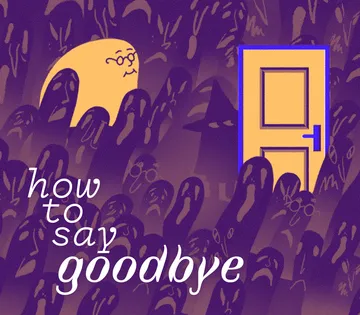
How to Say Goodbye
AdventureCasualIndiePuzzle
Picked for you  Steam
 Windows
 Mac Region Free Key Game
Steam Windows Mac Region Free Key Game425 M¥
Two or three offers cover this — they credit to your account, so that comes first.
Can be activated in your country.
All editions of this game
1 listed
About
How to Say Goodbye is a narrative puzzle game where you guide a group of ghosts through a liminal world. The story follows someone recently turned into a spirit, lost among disoriented companions in a universe inspired by classic children's literature illustrations. You solve grid-based puzzles by reorganizing the environment to help characters escape and move on. Travel from your kitchen to the moon across numerous chapters while uncovering the secrets of a mysterious Wizard and the Spleens. This single-player adventure deals with grief as you save friends before they disappear forever.
Description powered by AI
System requirements
Windows
- Minimum: OS: Windows 7 SP1+ Processor: SSE2 instruction set support Memory: 4 GB RAM Graphics: DX10 (shader model 4.0) DirectX: Version 10 Storage: 1000 MB available space
Mac
- Minimum: OS: Big Sur
Languages
EnglishFrenchGermanSpanishPortuguese - Brazil